Voice notes for iPhone and iPad
Voice notes that never leave your iPhone.
Allsaid records, transcribes and searches your notes on your device. No account, nothing uploaded.
iPhone and iPad · iOS 17 or later
What Allsaid does
What Allsaid does
On-device transcription
Speech becomes text on your device. Recordings are never sent anywhere.
No account, ever
No sign-in and nothing to set up. Open the app and press record.
Find any moment
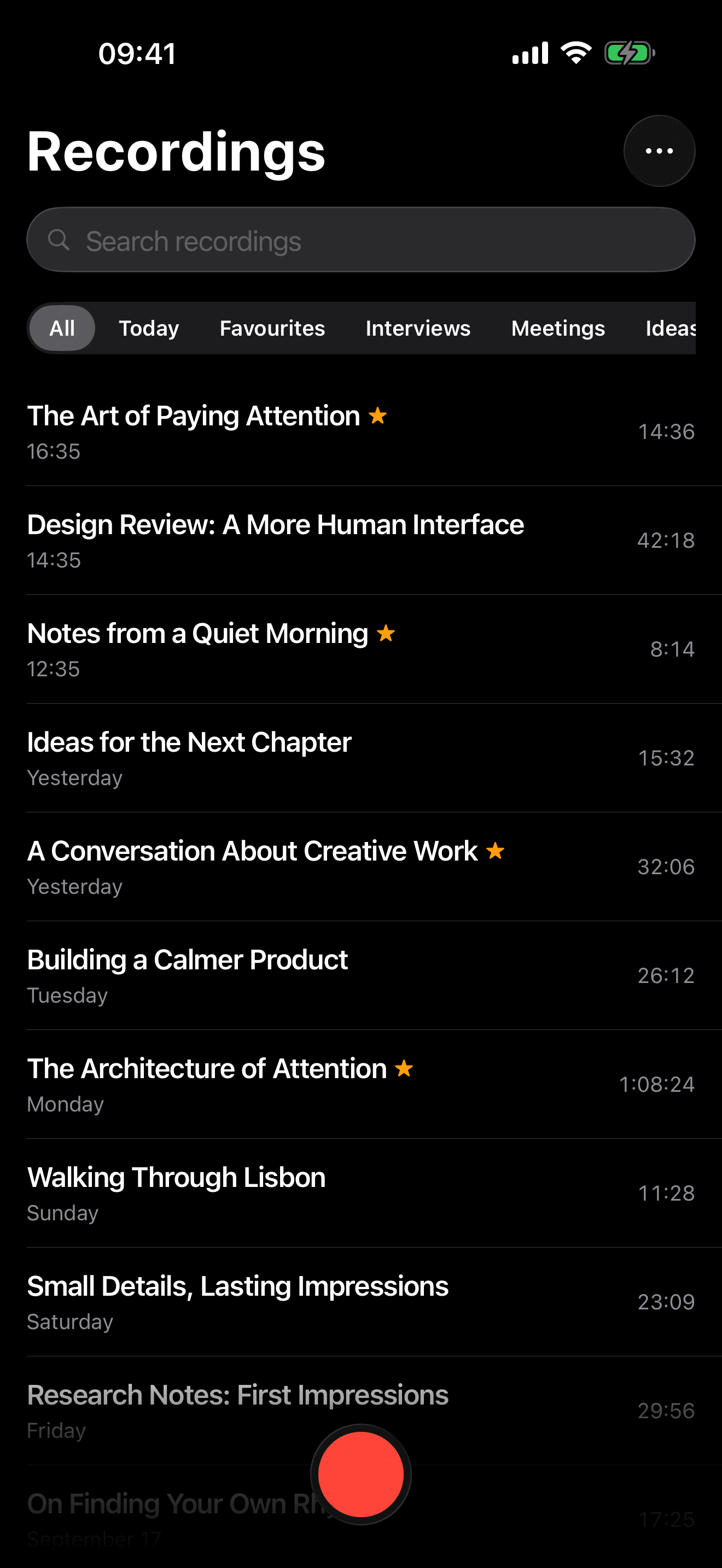
Search across every recording, sort them into folders, keep favourites close.
Made for listening back
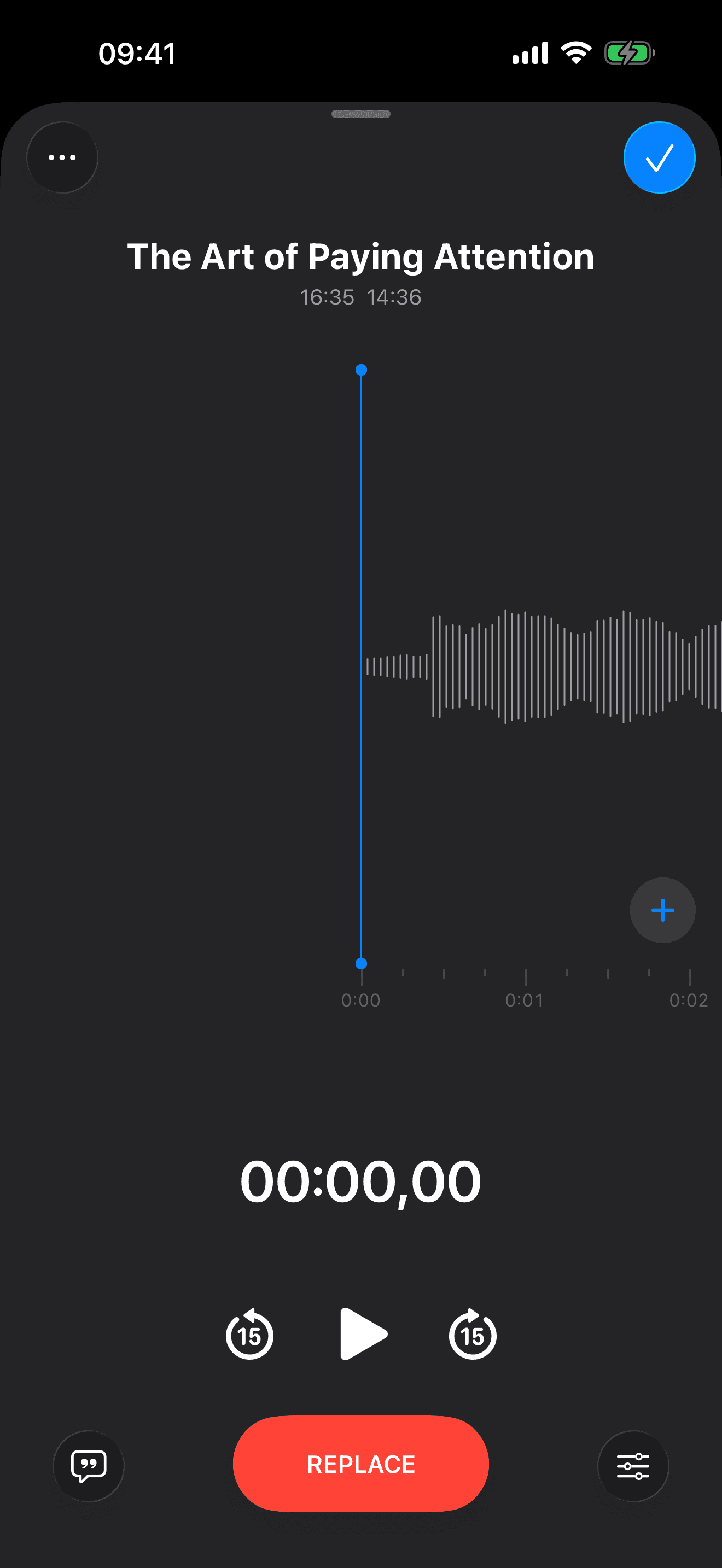
Scrub the waveform, skip fifteen seconds, and play at 1×, 1.5× or 2×.
How Allsaid works
Record
One tap, from anywhere.
The record button follows you through the app. Pause, resume and drop a marker while you are still talking.
Transcript
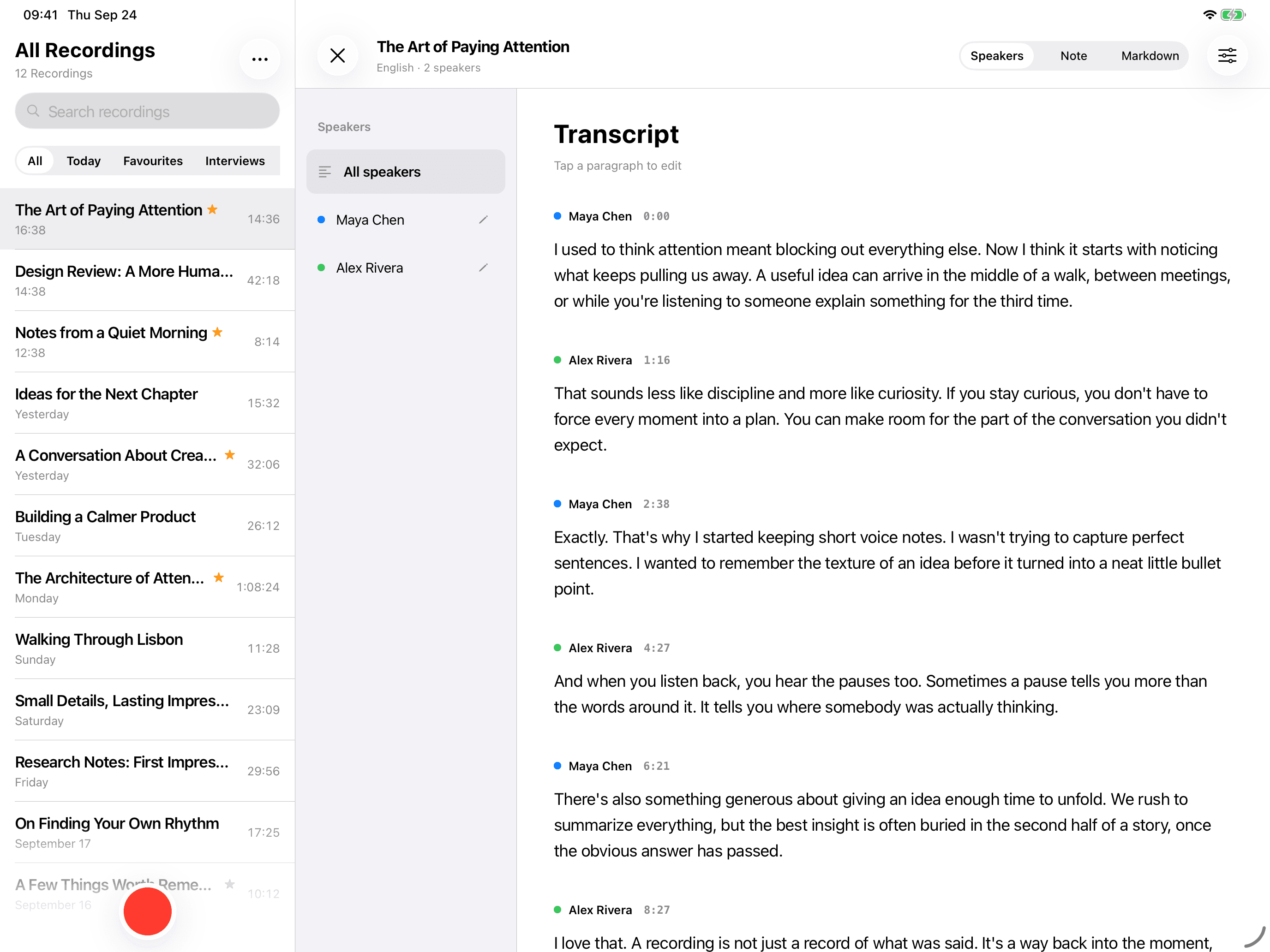
Read it back, line by line.
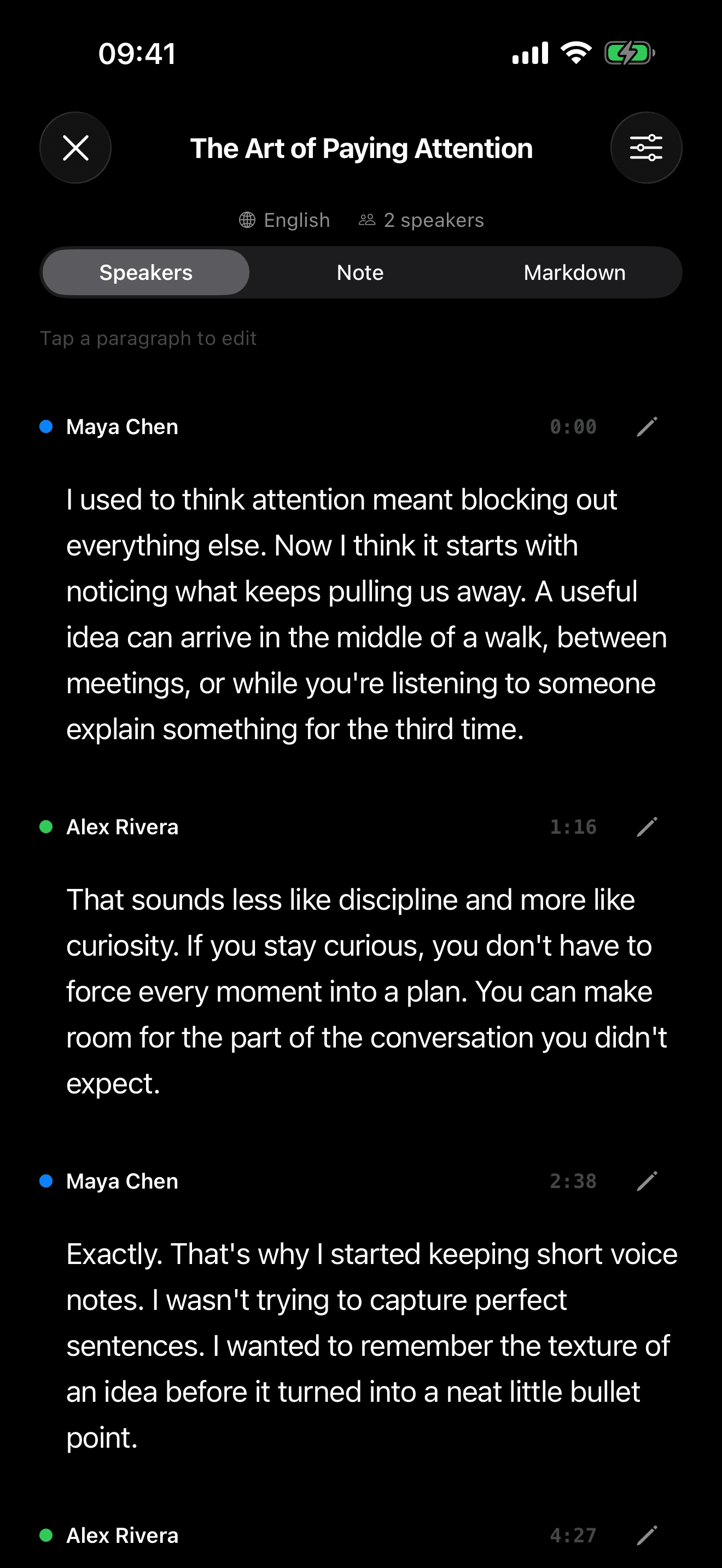
Transcribe a recording on your device, then tap any line to jump to that moment — or edit it in place.
Playback
Any moment, any speed.
Scrub to any moment, skip back fifteen seconds, or speed up to 1.5× and 2×.
iPad
Room to spread out.
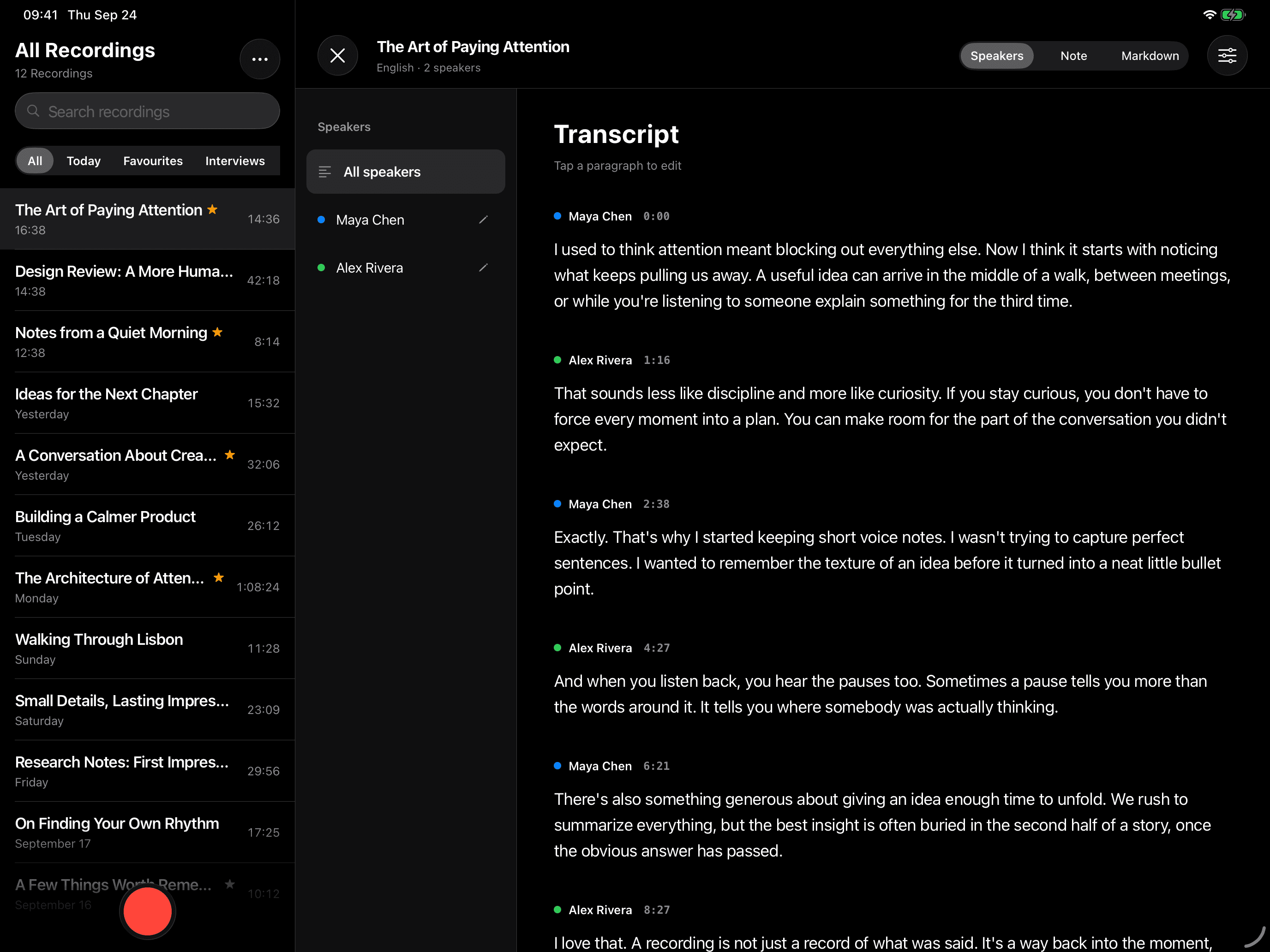
On iPad, your recordings sit beside the transcript — in light or dark, following your device.
Screens
A closer look.
Recordings library
Playback controls
Recording transcript
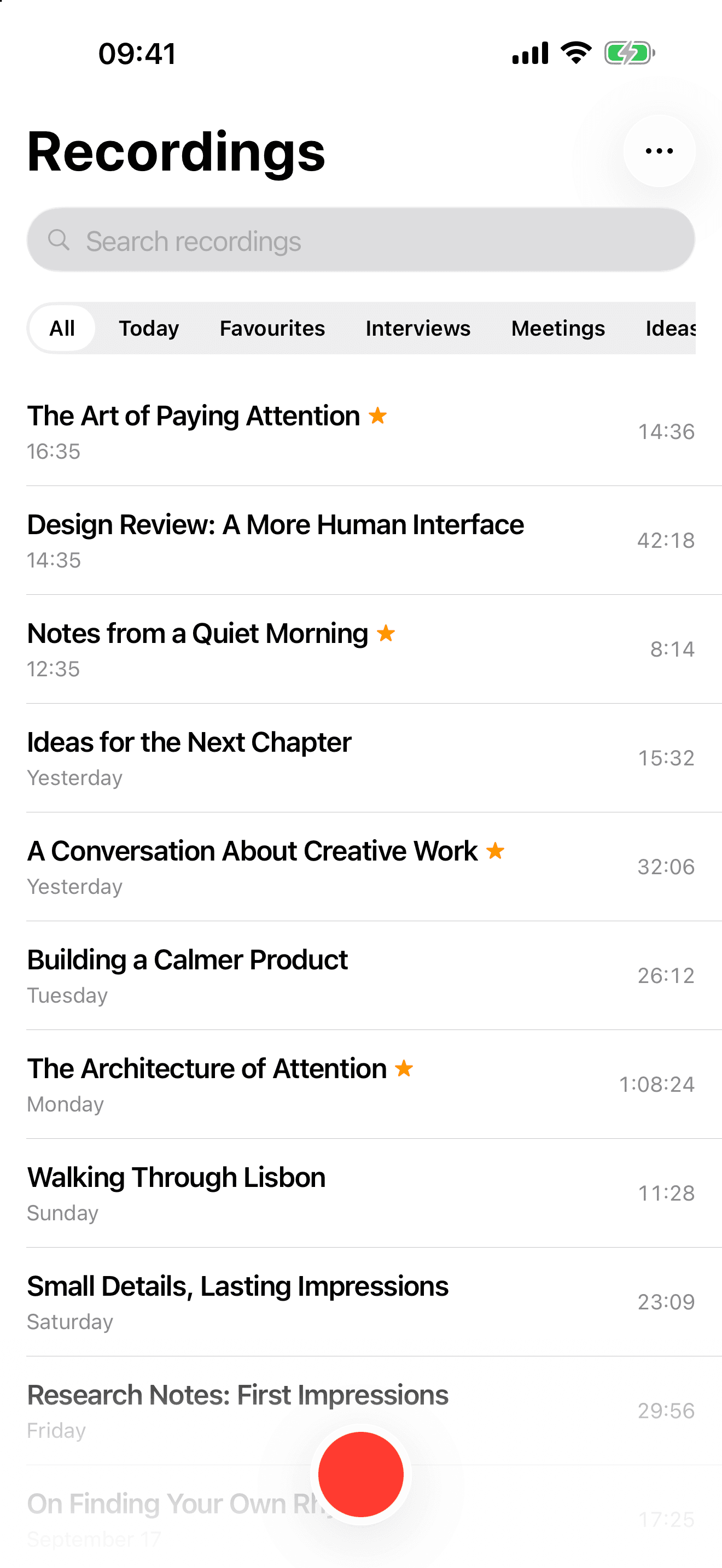
Recordings library in the light appearance
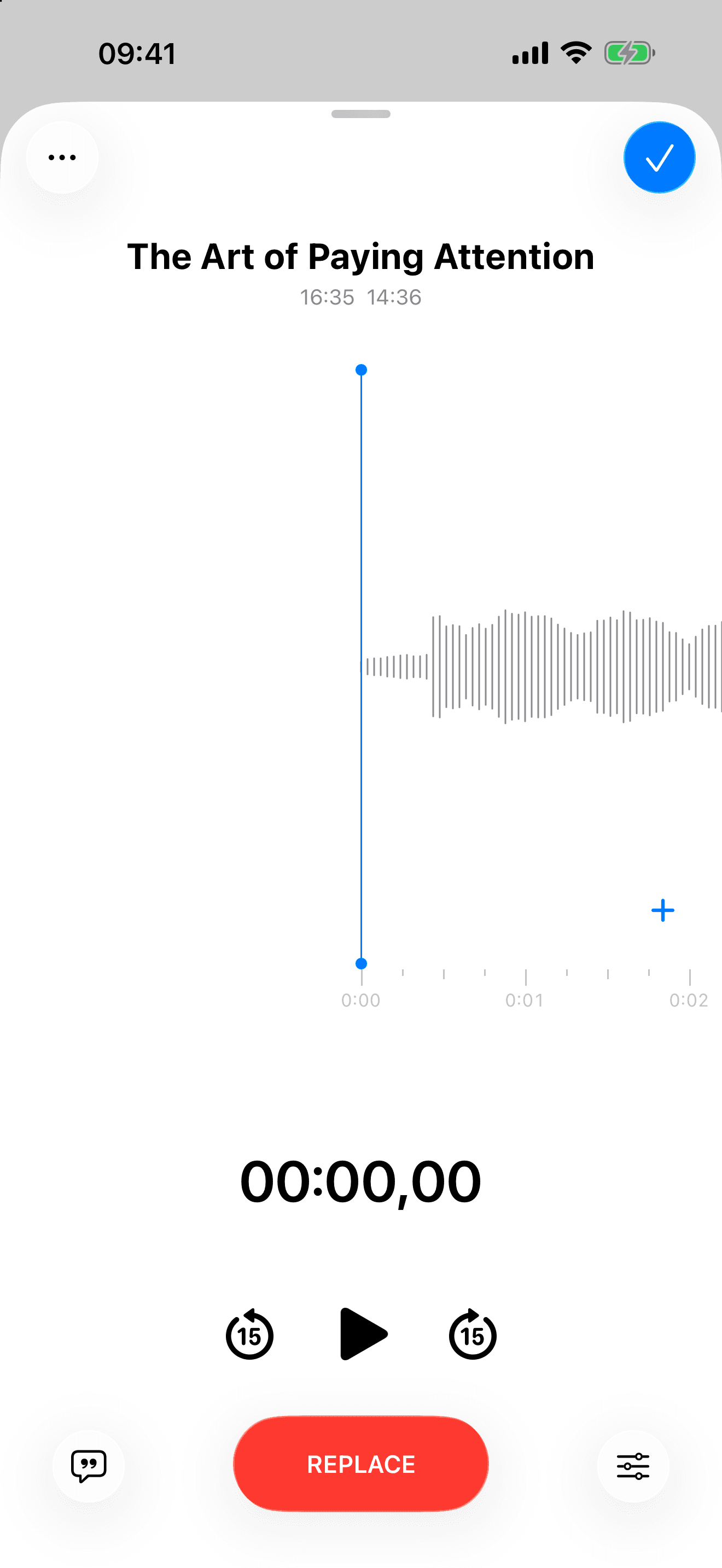
Playback controls in the light appearance
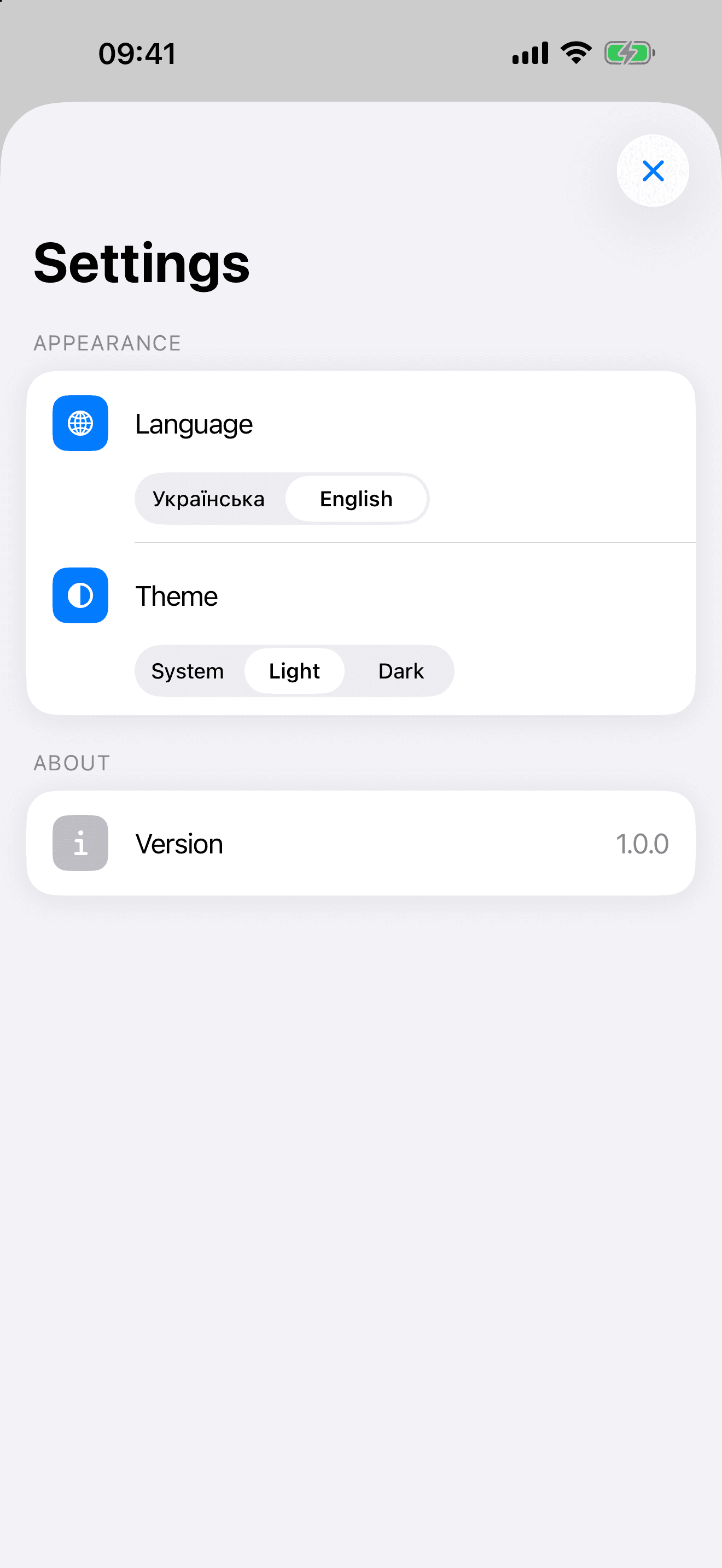
Settings
Does my audio ever leave my device?
No. Recording and transcription both run on your device, and Allsaid has no server to send anything to.
Do I need an account?
No. There is no sign-in, no sync and nothing to configure. Open the app and press record.
Why does the first transcription take longer?
The speech model is downloaded once, the first time you transcribe something, and then kept on your device. Later transcriptions start straight away.
Preparing the model also takes a moment the first time you use it after opening the app.
Does Allsaid work offline?
Recording, playback and search work offline. Transcription works offline too, once the speech model has finished downloading.
Start with your next thought.
Allsaid is built for iPhone and iPad and runs entirely on your device.
iPhone and iPad · iOS 17 or later